
You've downloaded the to-do list, the calendar, the timer, the habit tracker, and maybe three more apps that promised a fresh start by Monday. Then real life happened. The notifications blended into wallpaper, the backlog grew, and opening the app started to feel like opening evidence against yourself.
That doesn't mean you're lazy, careless, or “bad at productivity.” It usually means the tool asks too much of executive function before it gives anything back. A standard app often assumes you'll remember to check it, prioritize calmly, estimate time accurately, and follow through without much friction. ADHD rarely works that way.
A useful productivity app for ADHD does something different. It lowers the number of decisions, makes time more visible, helps you start before motivation appears, or blocks the distractions you already know will win if they stay available. It supports the moment where the day usually breaks.
This guide focuses on 10 tools that solve different ADHD pain points instead of acting like every app does the same job. If you also want a habits-first option, BodyBuddy's 2026 habit tracker app review is a helpful companion read.
1. Tiimo

Tiimo fits best when your problem isn't “I forgot there was a task app.” It's “the plan still feels too abstract to start.” Its visual schedule turns the day into something you can scan quickly, which matters when long lists create shutdown instead of action.
The app leans into routine blocks, color-coding, drag-and-drop planning, visual timers, and step-by-step checklists. That mix tends to work well for people who need to see the shape of the day before they can enter it. You can explore it at Tiimo.
Best for time blindness and gentle starts
Tiimo is strongest when transitions are your weak point. If mornings disappear, work blocks blur together, or you keep underestimating how long “getting ready” takes, a visual timeline usually helps more than another inbox of tasks.
What works well in practice:
- Visual sequencing: You can map the order of the day, not just collect obligations.
- Lower shame prompts: The tone is gentler than many productivity tools, which matters if harsh reminders make you avoid the app.
- Cross-device access: Phone, watch, and web support make it easier to check the plan where you are.
The best app is often the one that asks the least from you before giving structure back.
Where Tiimo can fall short is deeper project management. If you're managing complex work across multiple stakeholders, it may feel too lightweight. It's better as a daily functioning tool than a full professional operations hub.
2. Structured
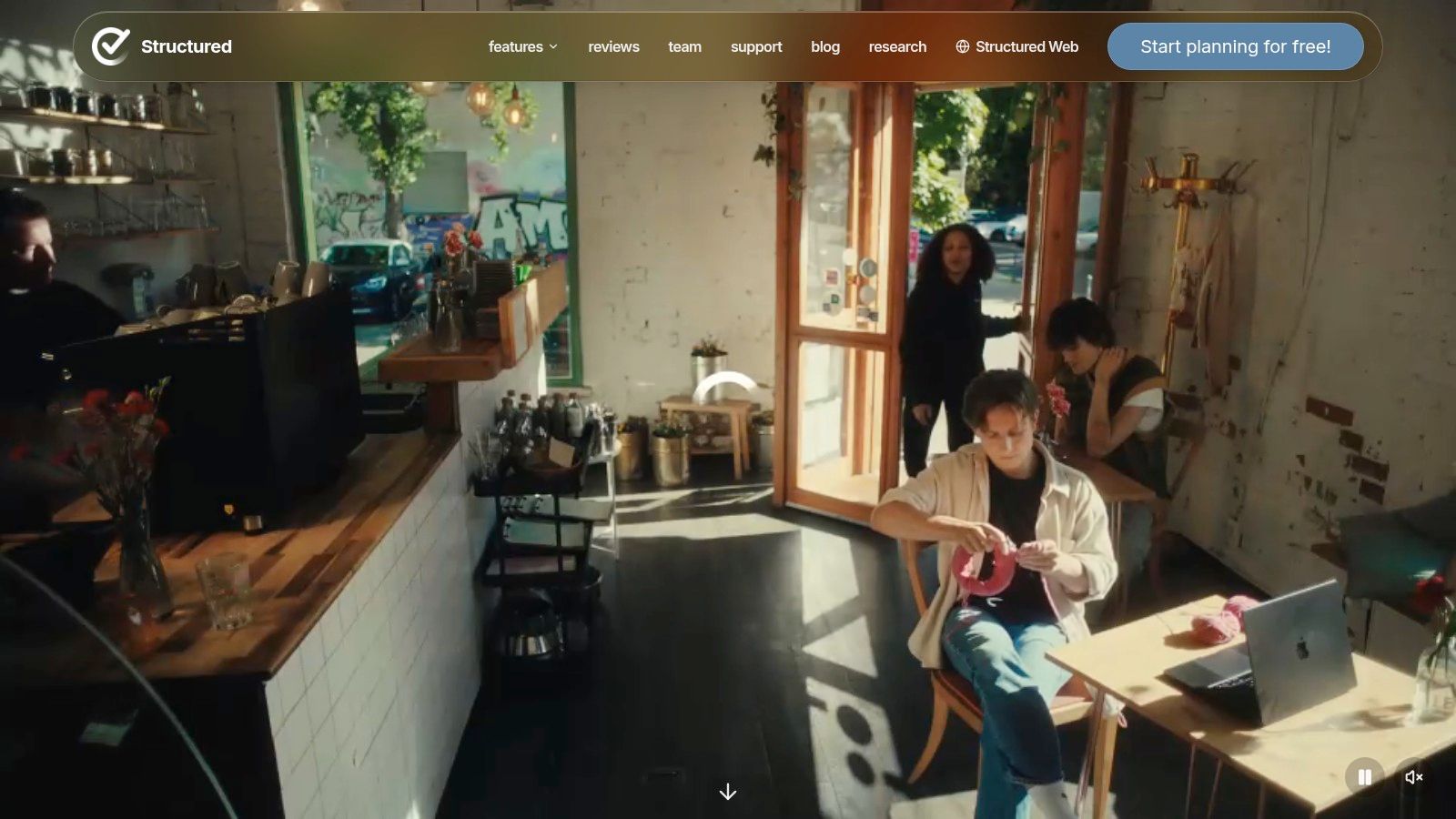
Structured works for the person who keeps asking, “What am I supposed to do next?” That question sounds simple, but for many adults with ADHD, next-step clarity is the difference between movement and drift.
Its timeline view is the main appeal. Instead of dumping everything into one undifferentiated list, it lays the day out in sequence. That reduces the mental work of choosing from too many options. You can check it out at Structured.
Best for the “what's next?” problem
Structured is especially useful if you already know your tasks but lose momentum between them. Calendar imports, reminders, subtasks, and quick editing support a day that feels linear instead of scattered.
A few trade-offs matter:
- Clean interface: This is one of its biggest strengths. Less visual clutter means less scanning fatigue.
- Strong Apple ecosystem fit: It feels especially natural for people already living on iPhone, iPad, and Mac.
- Less built for teams: If you need delegation, complex collaboration, or heavy project tracking, this isn't the tool.
Some people with ADHD do better with a visible timeline than with a traditional list because time becomes external. Structured does that well. If your brain benefits from seeing one day unfold in order, it's a strong pick.
3. TickTick
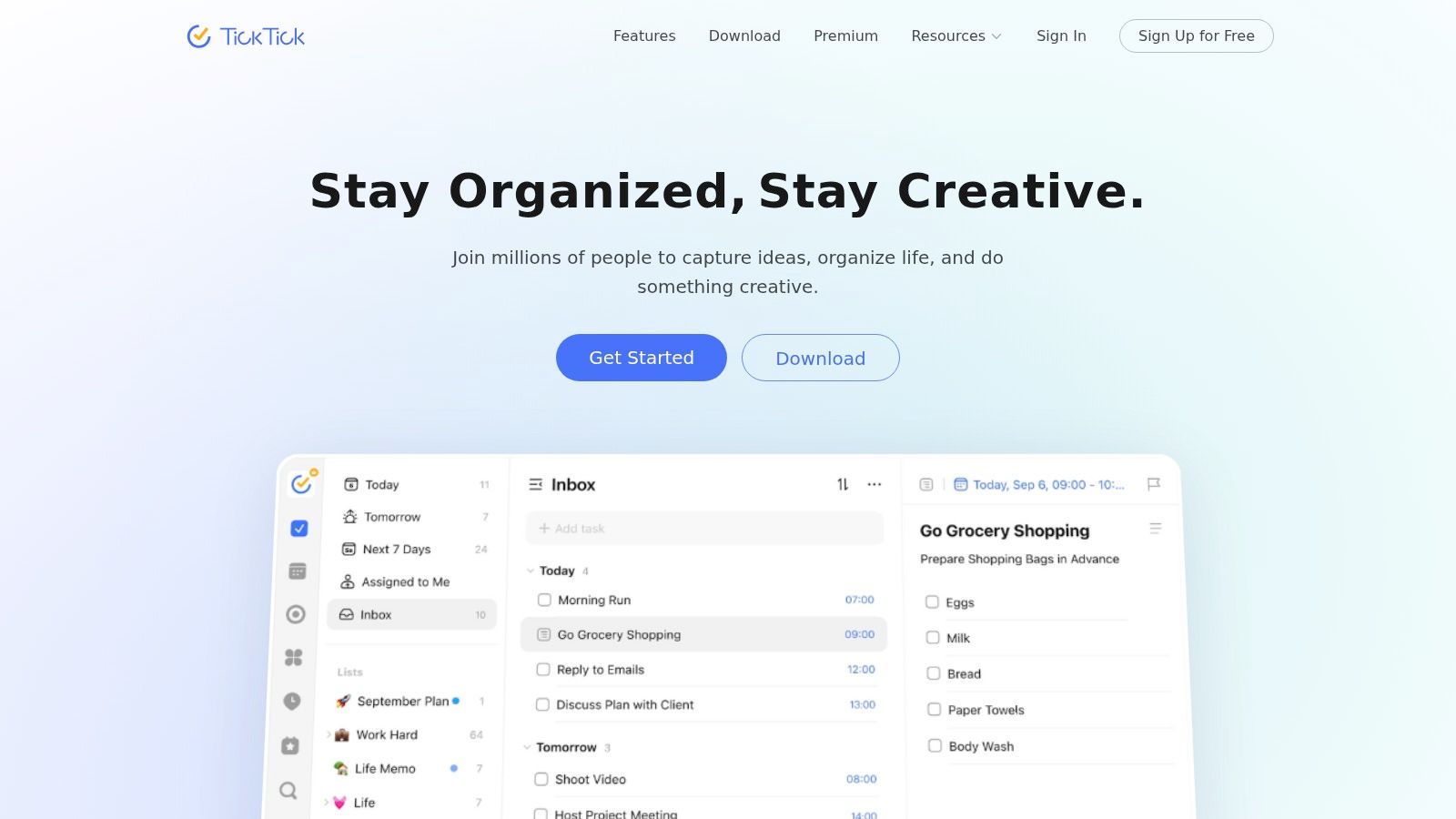
TickTick is the app I recommend when app-switching is the primary problem. Many people with ADHD don't need more features. They need fewer handoffs between systems. TickTick bundles tasks, calendar views, habit tracking, and a built-in Pomodoro timer in one place, which is part of the broader shift from simple to-do lists to more integrated ADHD-oriented systems. In Zapier's roundup, TickTick premium was listed at $35.99/year.
That price point matters less than the design philosophy. TickTick tries to reduce the number of places you have to remember to look. You can use it at TickTick.
Best for reducing app switching
This is a good productivity app for ADHD if you want one home base for planning and focus. The calendar, Kanban, timeline, filters, habits, and Pomodoro timer all support different planning styles.
Why people stick with it:
- One ecosystem: Tasks and focus sessions live together.
- Multiple views: If a list stops working, calendar or Kanban might click instead.
- Built-in timer: Helpful when starting is easier once a session has a clear boundary.
Practical rule: If you forget to open half your tools, consolidate before you optimize.
The downside is obvious. TickTick can feel busy at first. For some ADHD users, more options are liberating. For others, they're one more thing to curate. If you tend to over-customize and then abandon the setup, keep it simple at the start.
4. Todoist
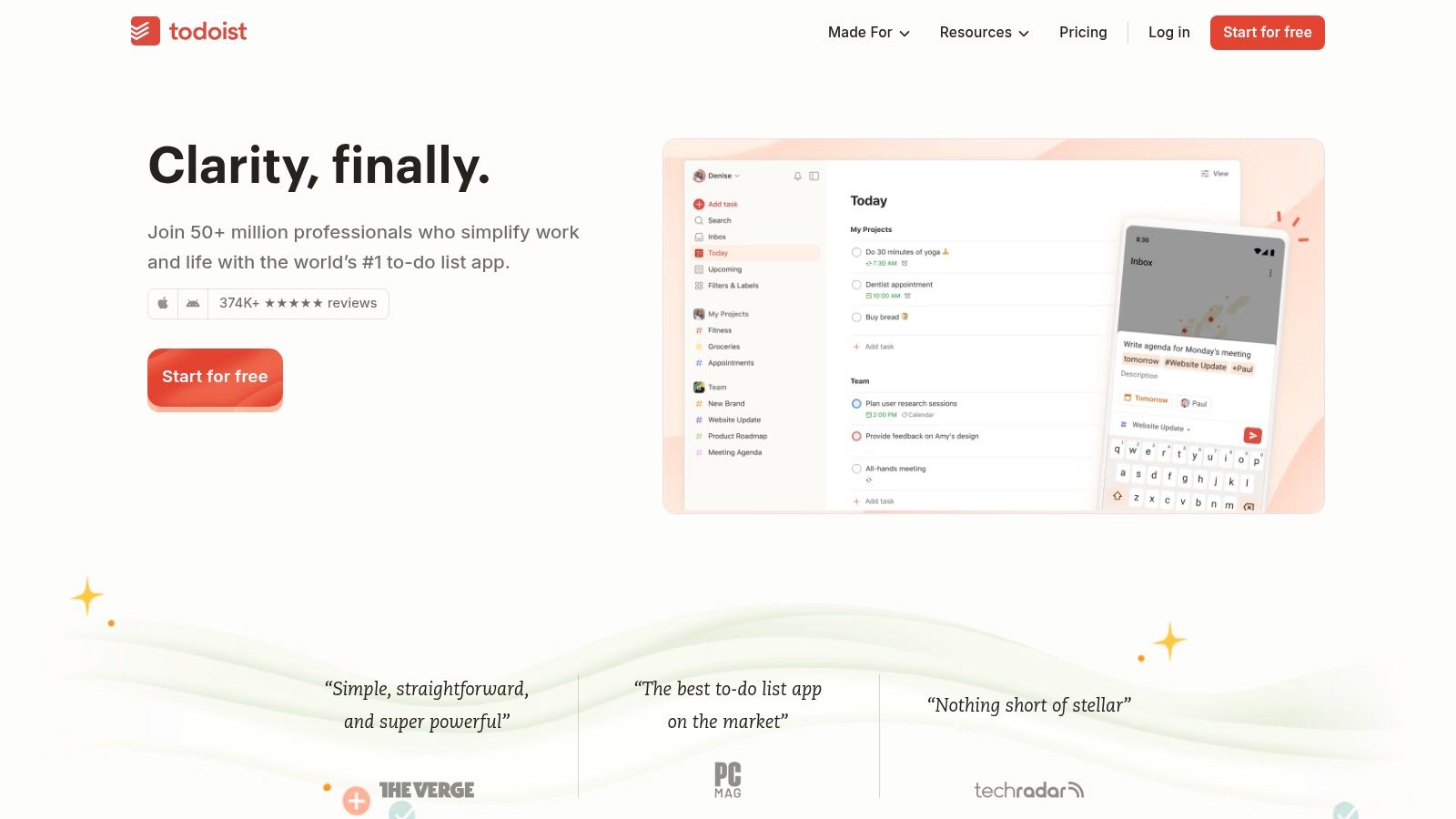
Todoist is still one of the best choices if your biggest need is fast capture. ADHD often creates a small but damaging gap between “I need to remember this” and “I'll put it somewhere later.” Later usually disappears.
Todoist shines because it's quick, stable, and widely available. Natural-language entry, filters, labels, priorities, and recurring tasks make it easy to get things out of your head before they evaporate. You can try it at Todoist.
Best for capture and triage
This app works well if your brain generates tasks faster than you can organize them. It's less about visual routine support and more about reliable collection and sorting.
Useful strengths include:
- Quick add: Good for thought capture before distraction takes over.
- Flexible organization: Labels and filters help separate “urgent” from “important” and “five-minute task” from “deep work.”
- Scales well: It can stay simple or become more structured over time.
Todoist is weaker if you want native focus tools inside the app. It doesn't replace a timer or a habit platform on its own. But if your main challenge is remembering and triaging obligations, it does that with very little friction.
5. Sunsama
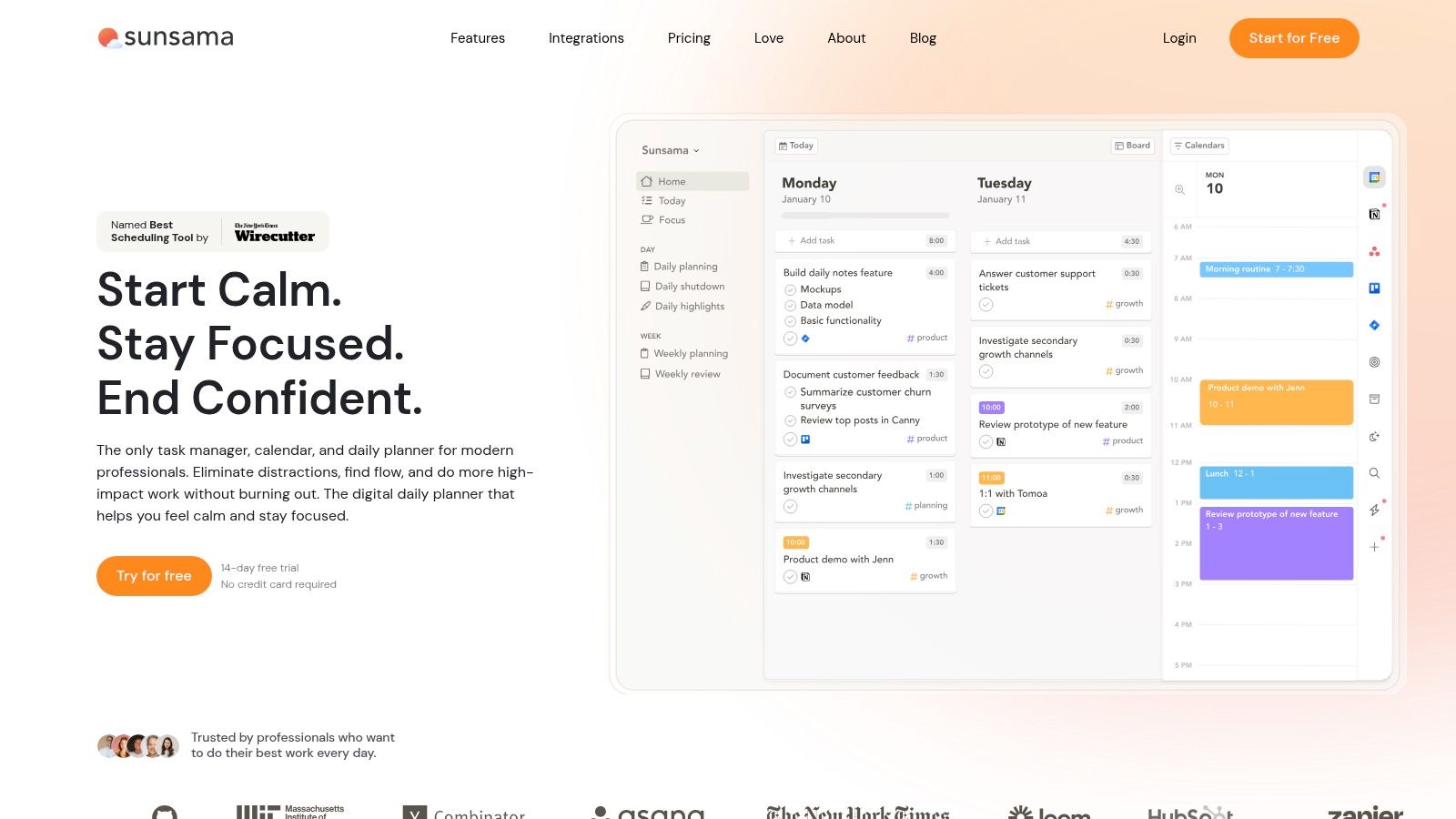
Sunsama is for the person whose to-do list is technically organized but emotionally unmanageable. It's one of the better tools for turning a pile of inputs into a realistic day.
Its strength is guided daily planning. Instead of assuming you'll intuit how much fits into one day, it nudges you toward time-boxing, effort estimates, and a more deliberate plan. If overcommitting is your default, this structure can help. The platform is available at Sunsama.
Best for realistic daily planning
Sunsama can be especially useful for adults with ADHD who work across email, project tools, and calendars and need one intentional daily view. If time estimation is a recurring problem, pairing a tool like this with practical ADHD strategies such as time management for adults with ADHD makes sense.
What it does well:
- Daily planning flow: Encourages you to choose, not just collect.
- Time-boxing: Makes the cost of adding “just one more thing” easier to see.
- Cross-tool pull-in: Helpful when work is spread across several systems.
Sunsama won't solve chronic avoidance by itself. It helps when the issue is planning too much or fragmenting your day. If the bigger issue is severe initiation difficulty, you may still need body doubling, therapy, coaching, medication support, or all of the above.
6. Motion
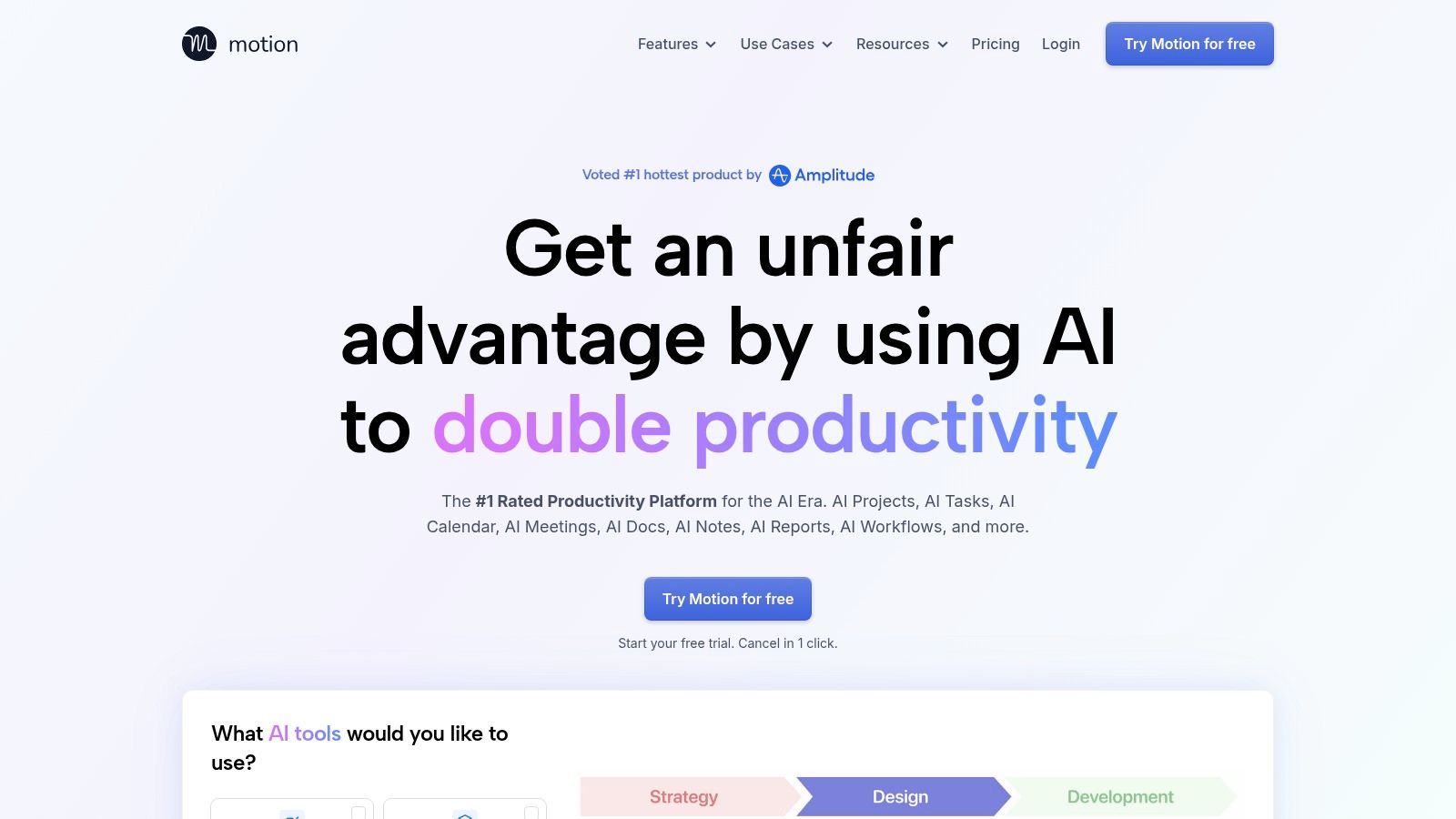
Motion appeals to people who are tired of manually reshuffling their day every time life changes. If planning fallacy is one of your ADHD pain points, auto-scheduling can be attractive.
The app uses AI to place tasks into your calendar and reprioritize when meetings move or deadlines shift. That can reduce planning overhead, especially for people who freeze when the schedule needs constant repair. You can learn more at Motion.
Best for automatic rescheduling
This kind of tool can help when executive dysfunction shows up as repeated calendar collapse. You had a plan. One interruption happened. Then the whole day dissolved because rebuilding it felt like too much work.
Still, there's a caution here. Recent ADHD app coverage increasingly highlights AI-driven planning and body-doubling features, but neutral guidance still lags behind the marketing. A better question isn't whether AI sounds smart. It's whether it reduces friction for you without creating more monitoring, more notifications, or more pressure. That gap in evidence and risk framing has been noted in coverage of ADHD-focused productivity tools at Morgen.
If you like automation, Motion may feel like relief. If you dislike surrendering control to a scheduler, it may feel intrusive.
7. Focusmate
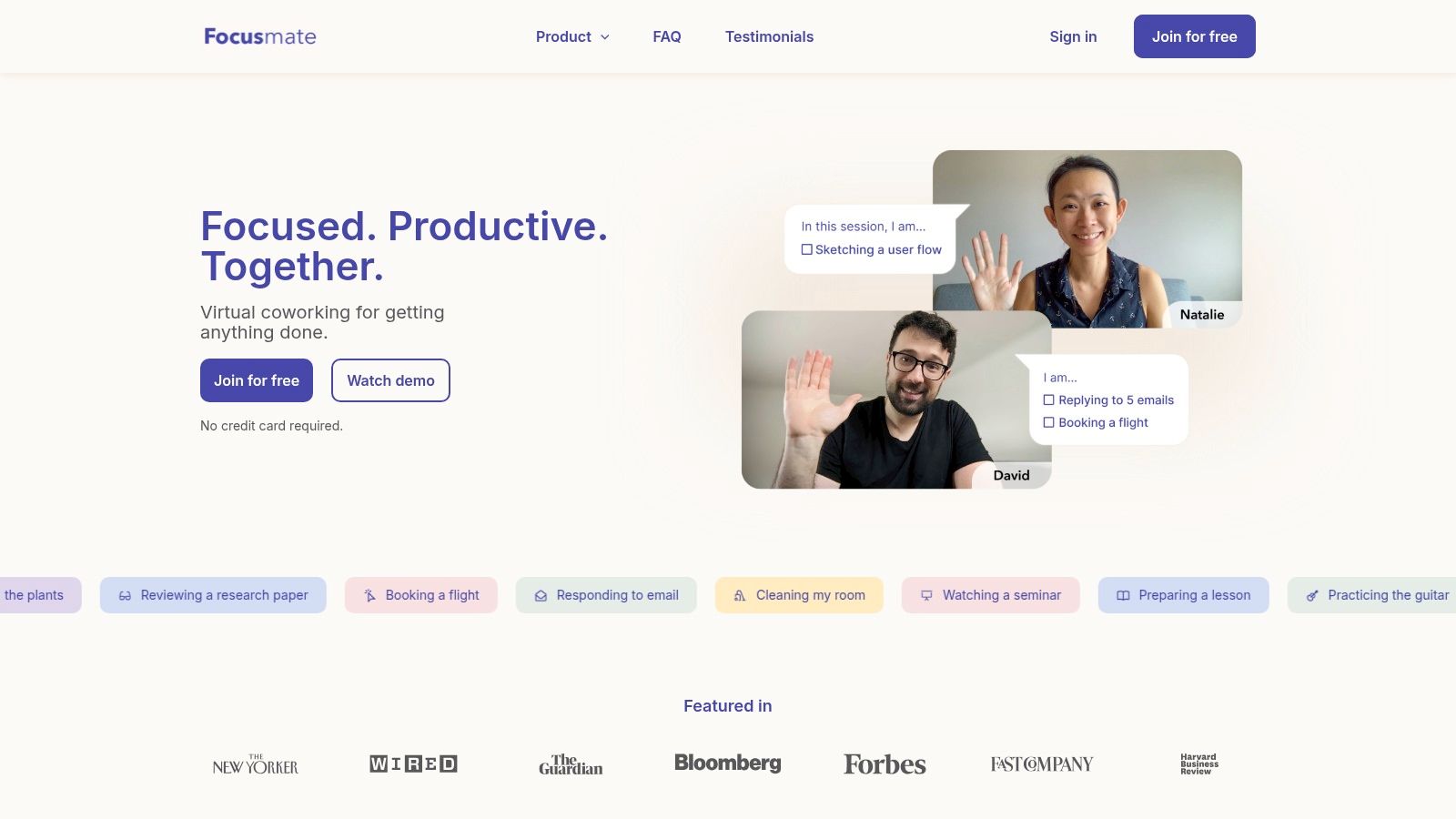
Some ADHD problems aren't planning problems at all. They're activation problems. You know exactly what to do, and you still can't begin. That's where Focusmate stands out.
It offers scheduled virtual co-working sessions with another person on video. The mechanism is simple. You say what you're going to do, you work during the session, and the shared start time reduces the negotiation that usually happens before a task. You can use it through Focusmate.
Best for task initiation
For many people, body doubling works because it adds structure without requiring deep social interaction. It creates a clear beginning and end, which is often enough to break paralysis.
Good uses for Focusmate include:
- Starting admin tasks: Email, bills, forms, and scheduling.
- Beginning boring work: The kind of task that keeps getting postponed.
- Protecting a work sprint: Short sessions can create urgency without overwhelm.
If the app helps you plan beautifully but you still can't start, you don't have a planning problem first.
The main drawback is fit. If being on camera feels draining, Focusmate can backfire. It also isn't a full productivity system. It's a starter engine, not a dashboard.
8. Freedom

Freedom is the right choice when your issue is less “I forgot the task” and more “I looked up one thing and ended up scrolling for an hour.” That pattern is common in ADHD because distraction often happens before conscious choice fully catches up.
The app blocks websites, apps, or broader internet access across devices and supports recurring sessions and locked mode. In plain terms, it removes temptation before willpower has to enter the chat. You can find it at Freedom.
Best for impulsive distraction
Freedom works best when you can identify your distraction loops in advance. If you know that afternoons, evenings, or solo work sessions reliably pull you into social media, news, shopping, or video rabbit holes, scheduled blocking is often more effective than trying to resist in real time.
A practical pairing is to combine a blocker with shorter work intervals, visual timing, and other productivity tips for ADHD.
A few realities to keep in mind:
- It requires setup: You have to decide what to block before you're dysregulated.
- It's not a planner: It protects focus, but it won't tell you what to do next.
- Too much restriction can backfire: If the setup is punishing, people often uninstall it.
Freedom is strongest as a guardrail, not a standalone system.
9. RescueTime
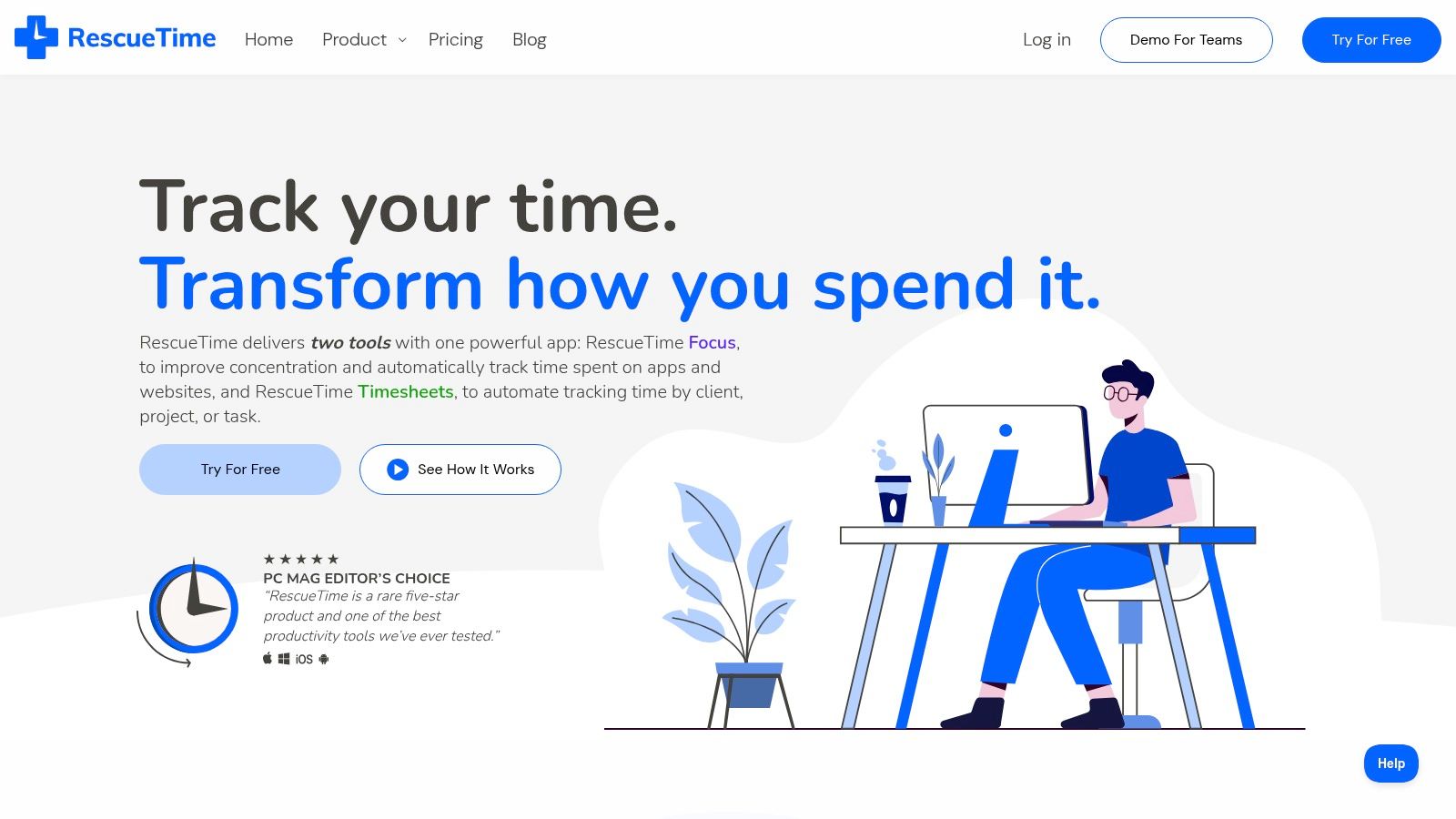
RescueTime is useful when you keep saying, “I don't know where the day went.” For ADHD, that isn't always a metaphor. Time can genuinely pass without leaving a clear trail.
Unlike planners that rely on manual entry, RescueTime tracks app and website use automatically and turns that into reports and trends. That passive tracking matters because many people who need time data most are the least likely to log it manually. You can explore it at RescueTime.
Best for attention pattern awareness
This tool is less about planning the perfect day and more about seeing the day as it happened. That can be clarifying if your self-estimates are regularly off.
Its strengths include:
- Automatic tracking: Less dependence on memory.
- Pattern visibility: You can spot recurring drift points.
- Focus sessions: Useful if you want tracking and blocking in one environment.
The commercial direction of the broader market supports why cross-device and low-friction tools keep showing up. The ADHD time-management app market was valued at $1.8 billion in 2025 and projected to reach $5.6 billion by 2034, with freemium holding a 52.6% share and web-based products growing fastest. That tells you something practical. People gravitate toward easy onboarding and access across devices.
RescueTime can feel confronting at first. That's not always bad. For some users, objective time patterns are the first step out of shame and into adjustment.
10. Notion
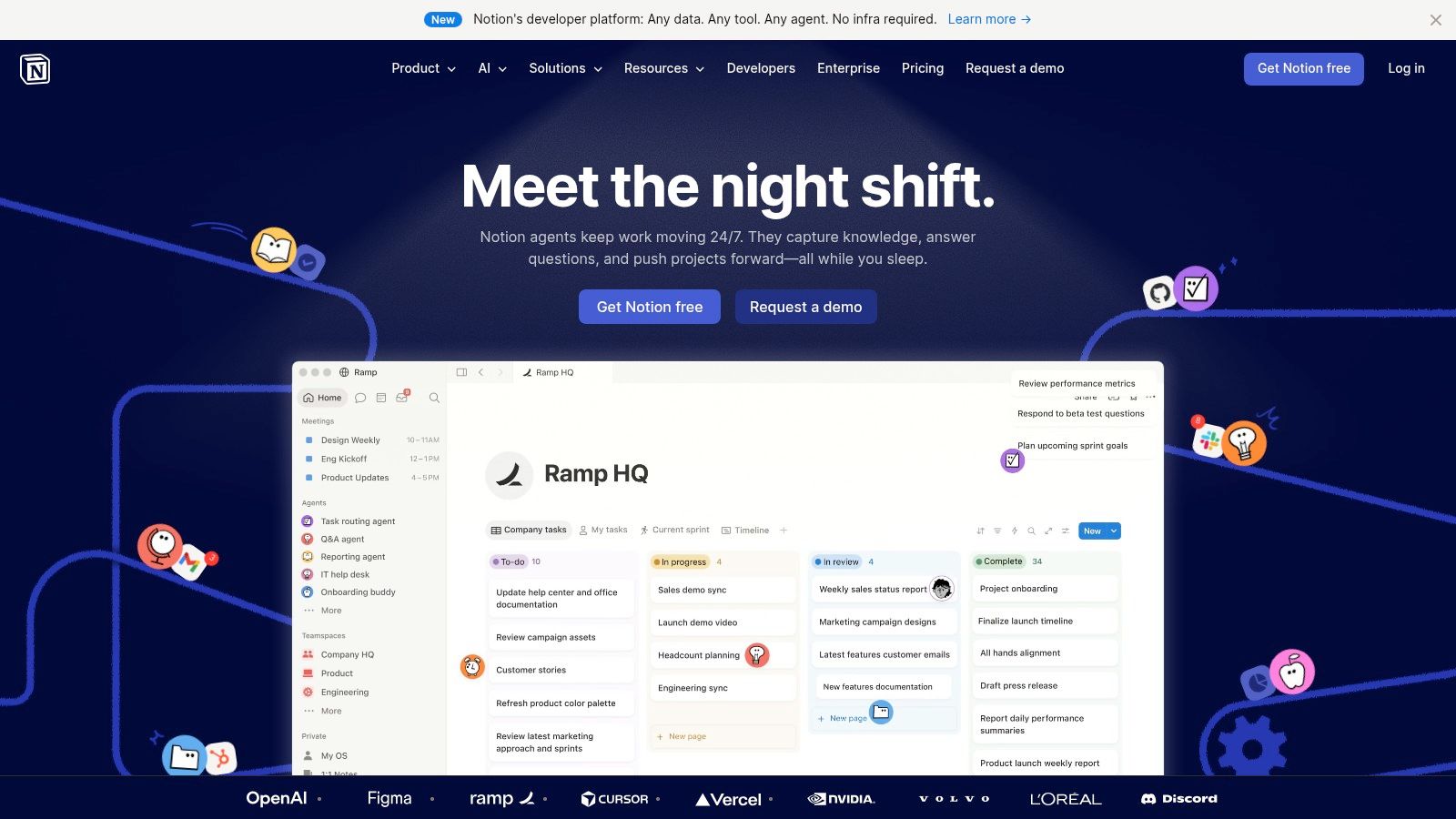
Notion is powerful, flexible, and easy to overbuild. That's the most honest summary. For the right ADHD user, it can become an effective external brain. For the wrong one, it becomes a hobby disguised as a system.
The appeal is obvious. You can combine databases, task boards, documents, templates, journals, and reference material in one place. If your challenge is information scatter, that can be useful. You can see the platform at Notion.
Best for externalizing memory
Notion works best for people who like building systems and can tolerate initial setup. It can support routines, meeting notes, projects, and personal dashboards in a single workspace, which may reduce context switching.
Its limits matter even more than its strengths:
- Highly customizable: Great if off-the-shelf systems never fit.
- Can replace several tools: Useful for people who want one workspace.
- High setup burden: This is the part many ADHD users underestimate.
Clinical caution: A customizable system only helps if you can maintain it on an ordinary week, not just on a hyperfocused weekend.
If executive dysfunction makes setup and upkeep hard, a simpler planner may serve you better. If organization itself is a skill you're trying to build, structured support such as executive functioning training may do more than adding another template.
Top 10 ADHD Productivity Apps Comparison
| Tool | Core features ✨ | Best for 👥 | UX / Quality ★ | Value / Price 💰🏆 |
|---|---|---|---|---|
| Tiimo | Visual schedules, timers, routine blocks ✨ | Neurodivergent users, kids→adults 👥 | ★★★★, low cognitive load | 💰 Freemium; paid tier for full features |
| Structured | Hour-by-hour timeline, calendar import, drag‑drop ✨ | Time‑blockers & iOS-focused users 👥 | ★★★★, clean, simple | 💰 Moderate; regional pricing varies |
| TickTick | Tasks + calendar, Pomodoro, habit tracker ✨ | Users wanting all-in-one planner 👥 | ★★★★★, robust & fast | 💰 Excellent features-to-price ratio 🏆 |
| Todoist | Natural-language entry, labels, filters ✨ | List-based users & power triage 👥 | ★★★★, reliable & scalable | 💰 Freemium; Pro for advanced filters |
| Sunsama | Daily time‑boxing workflow, multi‑tool pulls ✨ | Overwhelmed professionals, planners 👥 | ★★★★, deliberate pacing | 💰 Pricier; strong daily structure 🏆 |
| Motion | AI auto-scheduling, dynamic replanning ✨ | Busy schedulers who want hands-off planning 👥 | ★★★★, automates planning | 💰 Higher cost; AI credits model |
| Focusmate | Live 25/50min co‑working sessions ✨ | People who need accountability to start tasks 👥 | ★★★★, very effective for initiation | 💰 Free limited; paid unlimited |
| Freedom | Cross-device site/app blocking, Locked Mode ✨ | Impulsive clickers, distraction-prone users 👥 | ★★★★, reliable blocker | 💰 Subscription; strong cross-device control |
| RescueTime | Automatic time tracking, focus sessions ✨ | Data-driven users who track attention patterns 👥 | ★★★★, insightful reports | 💰 Subscription; passive tracking value |
| Notion | Modular databases, templates, docs & boards ✨ | Customizers building a "second brain" 👥 | ★★★, extremely flexible; setup cost | 💰 Freemium → paid for teams/AI; highly extensible 🏆 |
When Apps Aren't Enough Pairing Tools with Professional Support
Apps can help with reminders, structure, visibility, and momentum. They can't diagnose ADHD, treat anxiety, address burnout, or untangle the emotional fallout of years spent feeling inconsistent. That distinction matters. A tool can support functioning, but it can't explain why your brain keeps hitting the same wall.
Neutral guidance on ADHD apps makes this clear. The value of these tools often comes down to friction. Fast capture, strong reminders, and simple daily structure tend to matter more than feature volume. That same guidance also stresses that apps are external supports, not substitutes for clinical care, as discussed in WTCSB's overview of ADHD app features that actually matter.
That's why I usually suggest matching the app to the failure point. If you can't start, try body doubling. If time disappears, use a visual planner or passive tracking. If distraction wins, use a blocker. If nothing sticks beyond the first few days, step back and ask a harder question. Is the problem really the app, or is the underlying ADHD more impairing than a self-managed system can handle?
We also have to be careful not to confuse engagement with meaningful change. In the FOCUS ADHD App trial, the discounted app group had a 100% adoption rate, yet the study found no significant improvement in treatment adherence as measured by medication possession ratio. That's a useful reality check. People may download and even like an app without seeing durable clinical benefit.
Professional support becomes more important when any of these are true:
- You've tried several systems and still can't sustain basic routines
- Work or school performance is suffering and you may need accommodations
- You suspect ADHD, Autism, anxiety, depression, or a combination
- Shame, avoidance, or overwhelm are so strong that productivity advice keeps bouncing off
A formal evaluation can clarify whether ADHD is present, whether something else is contributing, and what supports make sense next. For some people, that means medication. For others, it means CBT, coaching, executive functioning work, academic accommodations, or a more accurate understanding of a co-occurring condition.
Sachs Center is one telehealth-based option for ADHD, Autism, and AuDHD evaluations. Their virtual ADHD testing is listed at $790, ADHD testing with a report at $1190, and neuropsychological testing with a report at $5995 for people seeking more extensive accommodation-related documentation or standardized test support. They also offer therapy, coaching, and related services. The right choice depends on your goals. Diagnostic clarity, workplace accommodations, school supports, and treatment planning all require different levels of evaluation.
A productivity app for ADHD can absolutely make daily life easier. But if you keep cycling through tools without relief, don't turn that into evidence that you aren't trying hard enough. Sometimes the next useful step isn't another app. It's assessment, treatment, and a support plan built around how your brain works.
If you want more than another productivity workaround, Sachs Center offers virtual ADHD, Autism, and AuDHD evaluations along with therapy and executive functioning support. For people who need diagnostic clarity, treatment guidance, or documentation for accommodations, that kind of assessment can do what no app can.
